
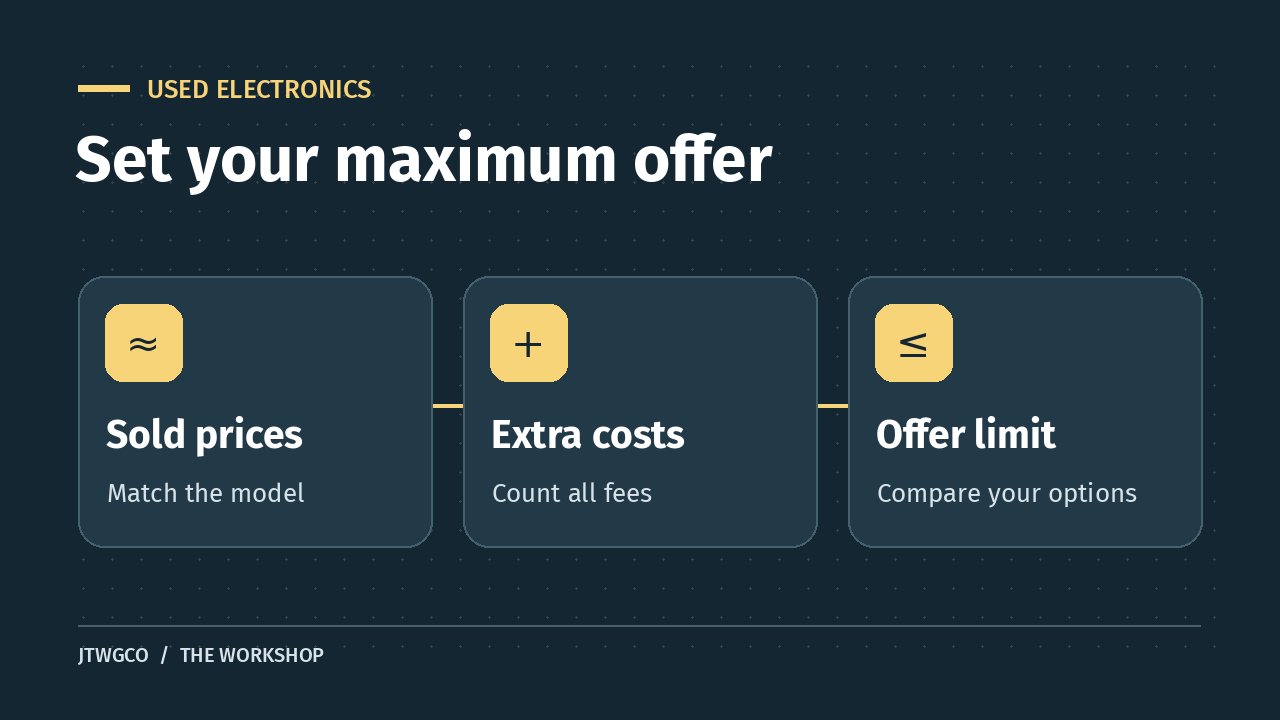
The quickest way to spot overpriced used electronics is to compare actual sales of the same model, then add what it will cost to use the one you’re considering. Compare that total with a similar used device and a returnable refurbished option before making an offer.
A listing can look cheap because the seller leaves out the charger, shows the original retail price, or compares it with a higher-spec model. Put the exact model and the full costs on paper first. This works for laptops, tablets, cameras, game consoles, and other devices with several versions under one name.
Spot overpriced used electronics with comparable sales
Match the exact version before you compare prices
Copy the model number or configuration from the listing. For a laptop, record the processor, memory, and storage. For a camera, check whether the listing includes a lens. For a game console, note the generation, storage, and whether you get a controller and cables.
If the title and description disagree, ask for a photo of the model label or the device’s information screen. Ask the seller to hide account details and serial numbers from public photos. If the configuration matters to the price and you cannot confirm it, leave that listing out of your comparison until you can.
Look for recent sales, then trim the list
Search for the exact model and use the marketplace’s sold filter where available. An active listing shows what someone hopes to get. An ended listing may have attracted no buyer. Look for several recent sold listings in the same market, and record the price and shipping separately.
Exclude listings for parts, different storage sizes, bundles, or items whose condition you cannot tell. A console sold with three games and two controllers makes a poor comparison for a bare console. Write down why you excluded anything so you can repeat the search later.
If an offer was accepted and you cannot see the final price, leave that result out of the calculation. eBay’s Product Research guide explains that sellers with access to its research tools can see actual accepted offer prices. A shopper using public results can stick with sales that show a usable price.
Compare the price you will actually pay
Add the pieces you need on day one
Start with the item price, shipping, tax, and fees. Add the cost of missing parts you need to use it. Check current prices for the exact compatible replacement. If you already own a suitable charger, it costs you nothing extra. If the device only works with a charger you do not have, it belongs in your total.
Condition affects what a sale can tell you. A worn battery with a documented replacement quote gives you something to price. A seller who says the device is untested leaves a bigger question. Ask for a demonstration or skip the listing if you need a working device. A repair estimate cannot tell you whether an unknown fault is the only problem.
Price the return policy and warranty separately
Compare a private sale with a refurbished or open-box offer you could buy today. Check what was tested, what comes in the box, who honors the warranty, and how long you have to return it. Some seller warranties exclude parts or require you to pay return shipping. Read the listing and the return terms before treating it as equivalent.
Refurbishment standards vary. Apple’s Certified Refurbished terms are an example of a program that spells out its testing and warranty. Use the terms that apply to the actual device and seller. The FTC’s marketplace buying guide also explains why to check the seller’s return rules and the marketplace’s coverage separately.
Work out a maximum offer before you message the seller
Imagine you want a working tablet with a charger. Five recent sales with the same storage and condition came to $185, $195, $200, $205, and $220 delivered before tax. The middle sale was $200. You find a comparable, returnable refurbished tablet for $230 delivered before tax.
The private seller wants $180. Shipping adds $15, and a compatible charger adds $30. That makes $225 before tax. You would save only $5 over the refurbished tablet, and the private seller offers no returns. You would also spend $25 more than the middle comparable sale.
Suppose you decide the private sale must come in at $200 delivered and ready to use. Subtract $15 for shipping and $30 for the charger. Your maximum offer is $155 before tax. These prices are hypothetical. Check the actual checkout totals too, since taxes or fees may differ. If the seller won’t take your offer, you can move on without doing the math again.
Ask for evidence that could change your offer
A short message can resolve the biggest unknowns. Ask the seller to confirm the model, show the unit powered on, and list the included accessories. Ask whether anything fails during ordinary use and whether you can return it if the description is wrong. Save the replies and the listing in case you need them later.
For phones, do the account-lock and carrier checks before negotiating. A device you cannot activate is a different purchase from the working phones in your comparison. Follow our used-phone buying checklist for those checks. If you buy from an unfamiliar store instead of a marketplace, use the same independent payment-channel habit from our fake parking QR code guide.
If you only find one good comparable sale, keep looking or use a verified returnable alternative to set your ceiling. A single result could reflect unusually good condition or an urgent sale. You can also widen the date range, but mark older results separately if a newer model has since changed what buyers pay.
Buy when the item is verified, the complete price fits your limit, and you’re comfortable with the return terms. If any of those points depends on a claim the seller cannot show, hold your offer until you have better information.