
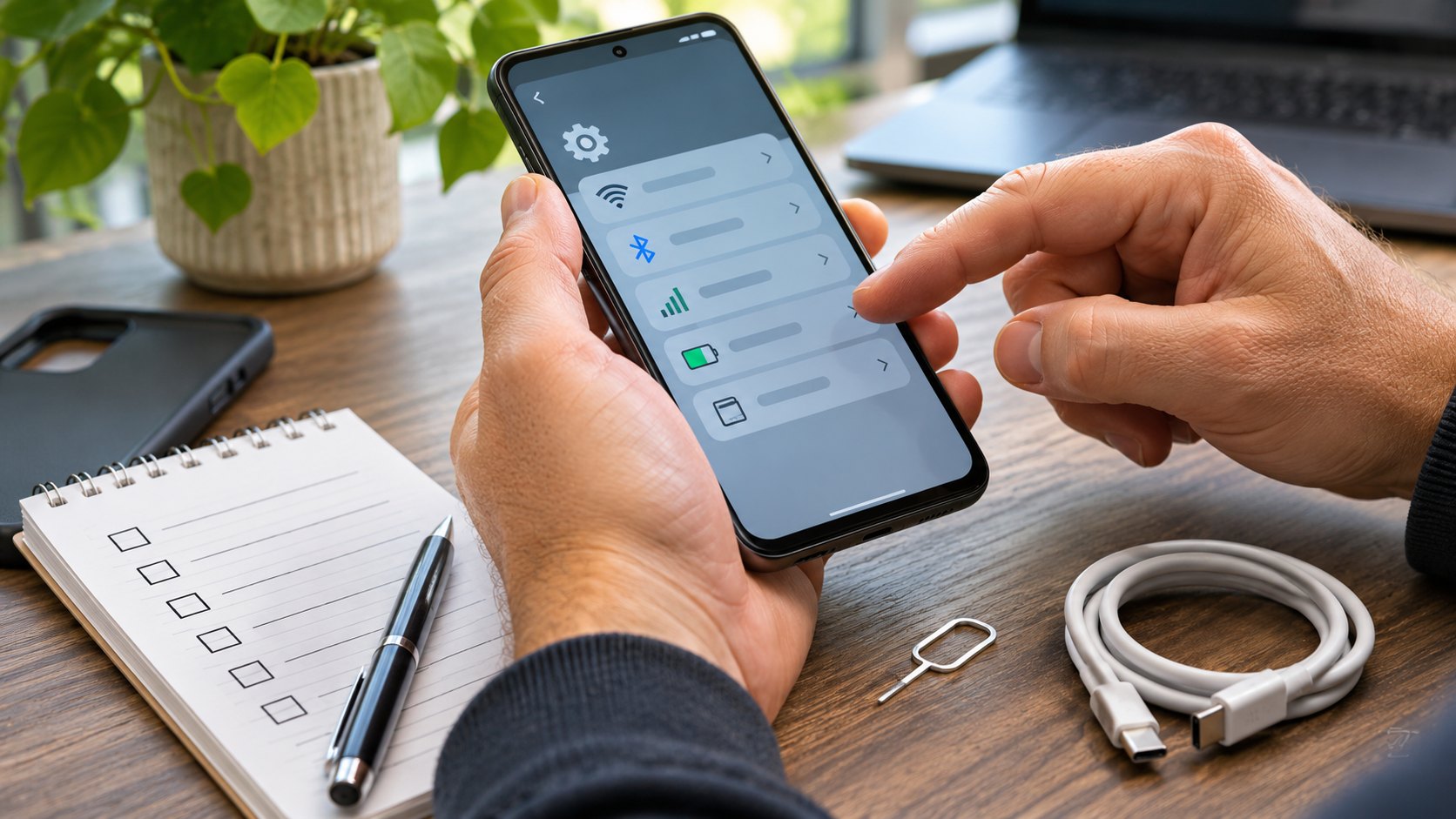
Buying a used phone safely means checking more than its appearance. A device can look perfect and still be unusable on your carrier, locked to somebody else’s account, or hiding a failing battery. Before paying, verify ownership restrictions, carrier compatibility, activation, and the hardware itself. These eight checks take more effort than glancing at a listing—but far less than trying to recover money from a seller who disappears.
1. Ask for the exact model and IMEI
Get the full model number, storage capacity, and device identifier before meeting. On many phones, dialing *#06# displays the IMEI; it may also appear in Settings. Compare the identifier shown on the phone with any box or receipt. A mismatch deserves an explanation, not a shrug. Avoid posting the full identifier publicly.
For a U.S. consumer purchase, check the IMEI with CTIA’s Stolen Phone Checker. The service currently allows five free consumer queries per day. A green result means the phone was not on the checked block list at the time of the query; it does not prove ownership, guarantee future status, or establish that the seller has paid off a device-financing agreement.
2. Confirm it works on your carrier
“Unlocked” is a claim to verify. Ask your intended carrier to check the exact IMEI and model for activation, network support, and any restrictions. A phone can support the right wireless bands yet still fail a carrier’s activation rules. Check physical SIM versus eSIM requirements, too. If possible, test service with your own active SIM or carrier-approved activation method before final payment.
3. Verify account locks when buying a used phone
For an iPhone, Apple says not to take ownership while Activation Lock remains enabled. The seller should erase the device properly and remove it from their Apple Account. Start setup yourself: if the phone asks for the previous owner’s account, stop. Do not accept a promise that a password will be sent later.
Android devices can also retain account-related activation protections after an improper reset. Have the seller remove their accounts using the manufacturer’s documented process, then verify that you can proceed through setup without the former owner’s credentials. Never ask the seller to reveal their password or use an account-lock bypass service.
4. Check whether the phone is managed by an organization
A phone previously assigned to an employer or school may be enrolled in device management. During setup, look for unexpected organization enrollment, remote-management prompts, or restrictions. The seller should obtain a legitimate release from the organization before the sale. A factory reset alone may not remove organizational enrollment.
5. Inspect the battery, screen, and repair history
Check for swelling, a lifting screen, excessive heat, cracks, damaged charging ports, and signs of liquid exposure. Stop testing a phone with a swollen or damaged battery. Ask about previous repairs and whether parts are original or replacements.
On supported iPhones, Apple’s used-iPhone inspection guidance explains how to review battery information and Parts and Service History in Settings. An “Unknown” part deserves further investigation; it is not, by itself, proof the whole phone is counterfeit. On Android, available diagnostics vary by manufacturer and model.
6. Test the features you actually need
Bring a charging cable and, if practical, headphones or another accessory you use. Test touch input across the screen, front and rear cameras, microphone, speaker, volume buttons, Wi-Fi, Bluetooth, charging, and biometric unlock. Make a real test call if you can. Check the camera in bright and dim light. A quick home-screen demonstration does not establish that all these parts work.
7. Check software support and storage
Look up the model’s current software-support policy on the manufacturer’s official site. Confirm the operating-system version and security-update status on the device. Older phones may work today but receive fewer security fixes—or none. Check that the advertised storage capacity matches Settings and that you can live with the available space after system files and apps.
8. Protect the payment and document the sale
For an online order, read the return terms and inspect the phone immediately on arrival. For an in-person sale, meet somewhere safe, allow time for setup and tests, and use a payment method with meaningful buyer protections when available. Get a receipt identifying the date, model, IMEI (kept privately), price, seller, and any stated condition or warranty. Do not send a deposit merely to reserve a suspiciously cheap phone.
GO, INVESTIGATE, or WALK AWAY
GO: The identifier and carrier checks are satisfactory, account and management locks are cleared, essential hardware works, and the seller provides reasonable documentation.
INVESTIGATE: The battery is weak, a repair-history entry is unclear, or the phone needs a carrier compatibility confirmation. Get answers and price any repairs before paying.
WALK AWAY: The seller will not permit activation checks, cannot remove an owner or organization lock, refuses to show the IMEI, pressures you to pay immediately, or asks you to bypass security controls.
Keep the checklist, not just the bargain
Record the IMEI check result, carrier response, battery condition, tests completed, and any return deadline. When buying a used phone, remember that a clean-looking device is not the same as a verified purchase. If one critical check remains unresolved, waiting is usually cheaper than guessing. If you’re also preparing to donate an older device, see our Windows laptop privacy checklist for steps to protect personal data before handing it over.
Research checked November 4, 2026. Carrier eligibility, device support, and checker availability can change. Confirm current details with the relevant carrier or manufacturer before buying.