
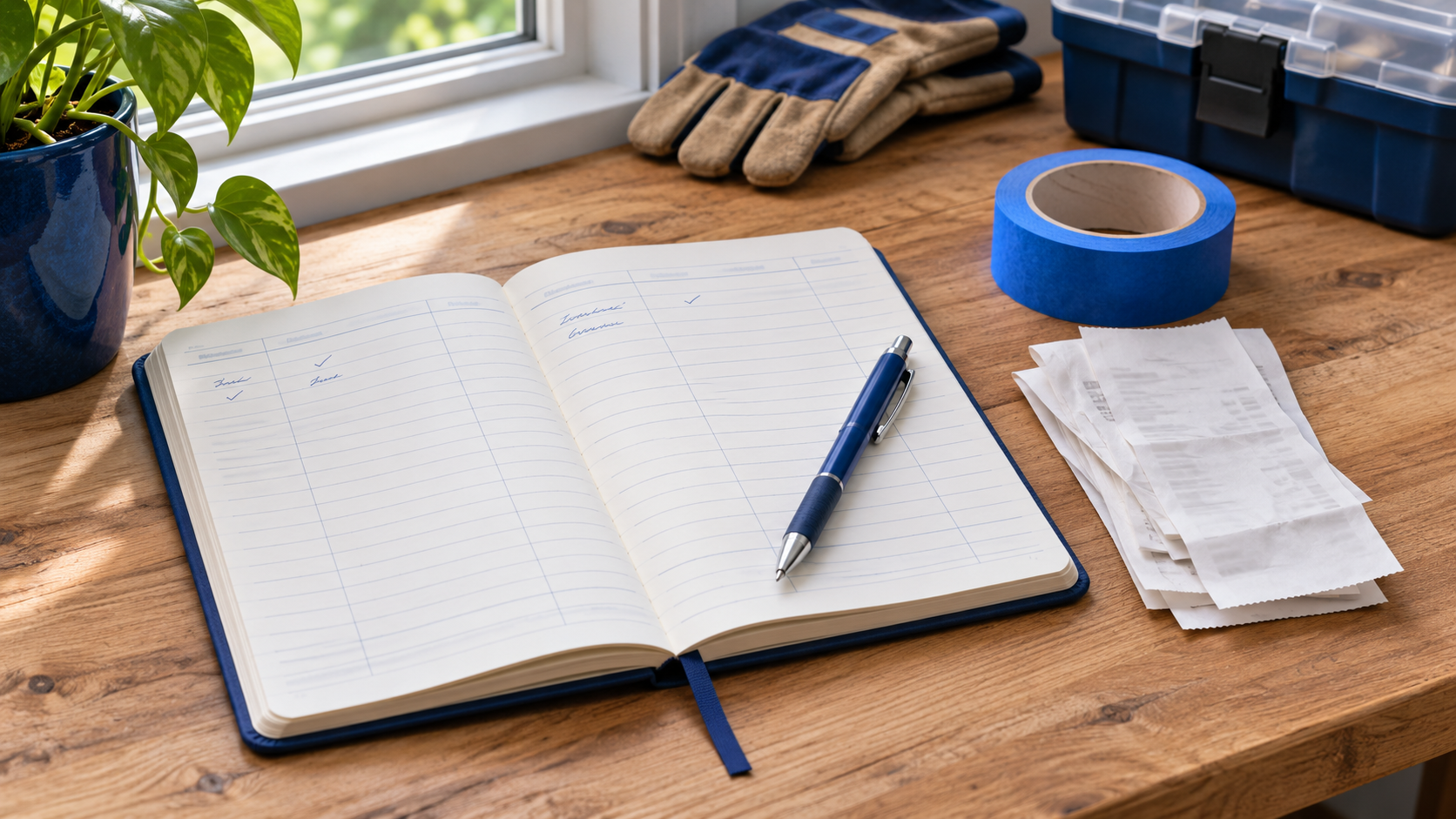
A home maintenance log is a running record of what you checked, fixed, or replaced and what still needs attention. Start with one recent job and the paperwork you already have. A date, a short note, and a receipt you can find later are enough to get started.
The log answers questions that a calendar can’t. When did the leak come back? Which filter did you buy? Who installed the dishwasher, and where did you put the invoice? Use the calendar to remind you to act. Use the log to remember what happened.
What to put in a home maintenance log
Use a notebook, a spreadsheet, or a note on your phone. Pick whichever you can open while you’re standing in the garage or putting away a receipt. The Mississippi Home Inspection Division’s recordkeeping guide suggests tracking routine service, repairs, warranties, inspections, and improvements. You can cover those categories with the same short entry.
A home maintenance log entry you can copy
- Date: When you did the work or noticed the problem.
- Location and item: Where it happened and what equipment or surface was involved.
- Work or observation: What you saw, checked, or changed.
- Who did it and what it cost: A household member or company, plus the amount paid if known.
- Record: A receipt, photo, invoice, or the place you filed it.
- Next action: Who will follow up and when, or “complete” if there is nothing left to do.
Use ordinary names you’ll remember. “Hall return grille upstairs” is easier to find again than “filter #2.” If a replacement part has a size or part number you need again, include it. An entry for an inspection can say what was observed and point to the full report. There’s no need to copy the report into the log.
Record what happened, then set the next reminder
Suppose you replaced the filter in the upstairs return grille. An example entry could read: October 18 | Upstairs return grille | Replaced filter | DIY, $18 | Receipt in Heating and Cooling | Check November 18. Add the size from your own equipment or packaging before buying the next filter. ENERGY STAR recommends checking the filter monthly. Use the instructions for your own equipment to decide what filter to buy and how to service it.
Now suppose you find a small wet spot under the kitchen sink. A log entry could read: October 24 | Kitchen sink cabinet | Noticed a damp spot after running water | Photo in Plumbing | Call plumber today. Describe what you observed without guessing the cause. Once you have an invoice, add the repair and any follow-up instructions as a new entry. Keeping both dates gives you a history if the problem returns.
A record of completed work and a reminder for future work serve different purposes. If you schedule a service visit, put it on the calendar and mark the task as scheduled. Once the visit happens, log what the technician actually did. If a part needs to be ordered, leave the follow-up open.
Keep receipts, photos, and warranties easy to find
Choose one home folder and divide it into categories you actually use. Heating and Cooling, Plumbing, Appliances, and Projects are enough for many households. In a paper binder, use tabs. In a digital folder, use a consistent name such as 2026-10-24-kitchen-sink-invoice.pdf. Put that name or a link in the log so you can open the record without searching email.
For a new appliance, keep the receipt, installation paperwork, and warranty together. Add the model number if it’s easy to find. For a hired job, keep the signed agreement, approved changes, and final invoice. If you’re still deciding whom to hire, start with our guide to comparing remodeling contractor bids. Once the project is underway, the log gives you a place to record what changed and where the paperwork went.
Save photos that answer a specific question. A picture of a paint label helps you buy the same finish. A clear photo of a model plate helps when you ask for a part. Keep full documents in a private folder and share only what someone needs for the job.
Start with three records and keep the habit small
Add the last service you paid for, the last routine task you did yourself, and one issue that still needs follow-up. This gives you a paid-work example, a recurring task, and a reason to open the log again. If you can’t verify an old date, write “date unknown” and add the source you do have. Start today even if you never fill in the older entries.
Once a month, scan the open items. Decide who will handle each one and give it a date. Move completed items out of your reminder list while keeping the history in the log. If you use a paper notebook, put a small mark beside entries that still need action so you can spot them while flipping through.
Finish by making one entry now. Pick a receipt or a photo you can find in less than a minute. Write what it shows, where it lives, and whether anyone needs to do anything next. The test is simple: could someone in your household find that record without asking you? If so, you have a log worth keeping.