
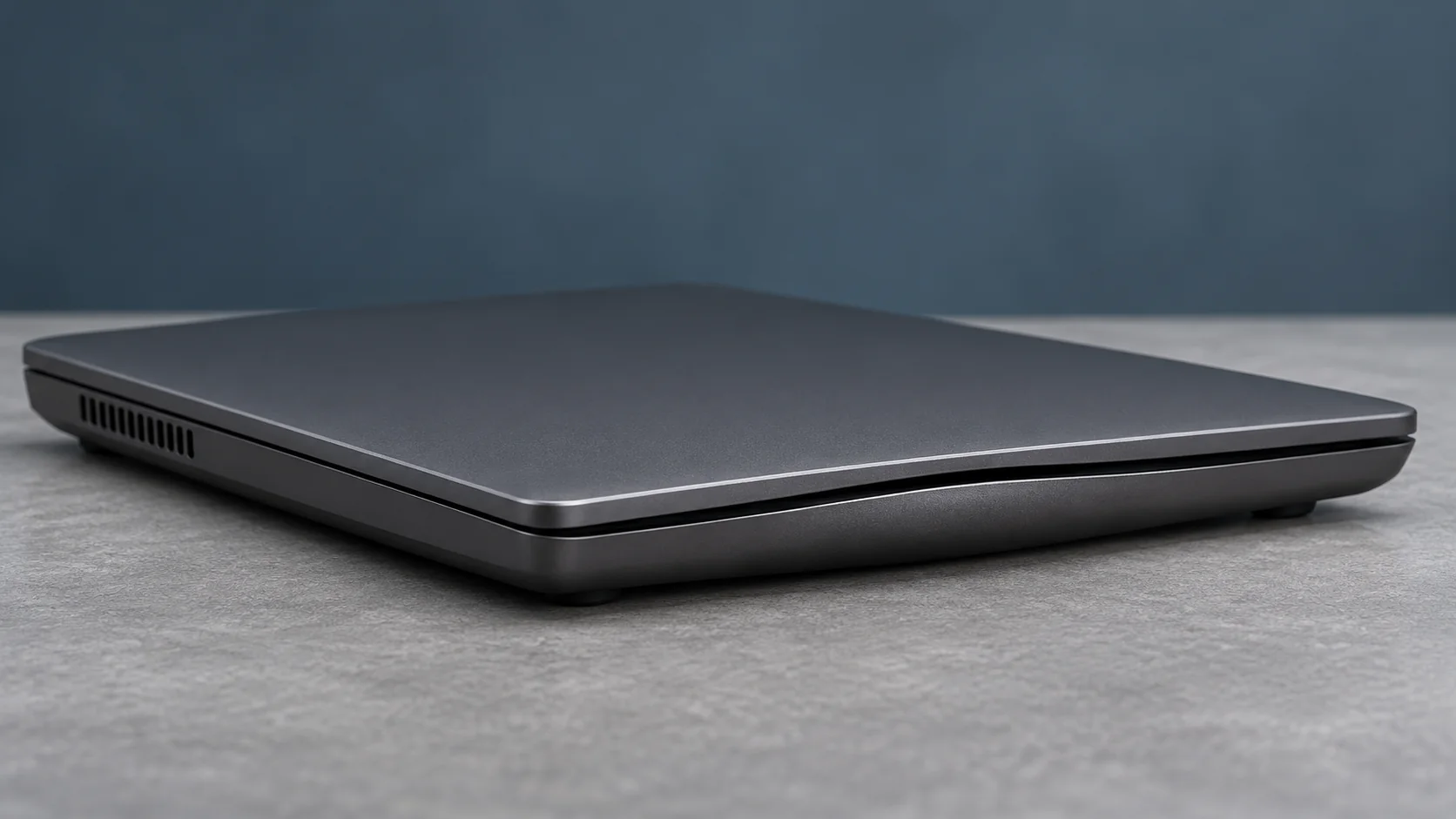
If you suspect a swollen laptop battery, stop using and charging the laptop. If it’s smoking, hissing, rapidly heating up, or on fire, leave the area and call 911 from a safe location. If the laptop is cool and stable, shut it down, unplug the charger if you can do so safely, and contact the manufacturer or a qualified repair shop.
How to recognize a swollen laptop battery
Not every raised laptop case means a swollen battery, but several clues deserve attention. The bottom cover may bulge, the trackpad may sit unevenly or become difficult to click, or the keyboard and palm rest may lift. The laptop may wobble on a flat desk. A battery can also swell without an obvious external bulge, so visible shape alone is not a complete safety test.
Other warning signs include unusual heat, an odd smell, leaking, discoloration, hissing, or smoke. The U.S. Fire Administration advises stopping use when a lithium-ion battery changes shape, becomes excessively hot, smells unusual, leaks, or makes strange noises.
What to do if your laptop battery is swollen
1. Stop using the laptop if you suspect a swollen laptop battery
If there is no smoke, fire, or dangerous heat, shut the laptop down normally and unplug external power without putting pressure on the swollen area. Do not turn it back on to back up files or run battery-health software. A software test cannot make a physically swollen cell safe.
2. Keep people away if it is overheating or smoking
If the device is smoking, hissing, rapidly heating, or burning, leave the area and call 911 from a safe location. Do not pick up or carry an actively failing battery through the house. Keep exits clear. Follow emergency responders’ instructions rather than attempting a risky home repair.
3. Store it cautiously while arranging help
When there is no immediate emergency, keep the powered-off device away from paper, fabric, and other combustible items in a location that will not be disturbed. Avoid direct sunlight, hot cars, and temperature extremes. The EPA recommends contacting the manufacturer, retailer, or local household hazardous waste program for situation-specific handling advice. Do not assume a household drawer, trash can, or ordinary shipping box is appropriate.
Should you remove a swollen laptop battery yourself?
Usually, the safer consumer choice is to ask the manufacturer or an experienced repair professional first. Modern laptop batteries may be glued in, surrounded by delicate cables, or built into a thin case. Bending, crushing, or puncturing a lithium-ion cell can start a fire. Even if you have replaced ordinary batteries before, a swollen pack changes the risk.
Do not force a bulging case back together, clamp it flat, or use sharp tools to pry out the battery. Do not deliberately drain a damaged pack by operating the laptop. If the device is under warranty or subject to a service program, check the manufacturer’s support options before arranging paid repair.
Can the laptop be repaired, or is it finished?
A swollen battery does not automatically mean the whole laptop must be discarded. A qualified technician can assess whether a compatible replacement battery is available and whether swelling damaged the trackpad, enclosure, or other parts. The repair decision depends on the model, parts availability, and any secondary damage.
Ask for a written estimate covering the replacement battery, labor, and inspection of nearby components. Confirm that the replacement is approved or specified for your model. If the device is too old or uneconomical to repair, ask how to handle the complete laptop as electronics waste without exposing anyone to the damaged battery.
Where to take a swollen laptop battery for recycling
Never put a lithium-ion battery or a laptop containing one into household trash or curbside recycling. EPA guidance directs consumers toward appropriate battery recyclers or household hazardous waste programs. However, a swollen battery may require special handling, and a normal retail battery drop-off bin may not accept it.
Call the collection site before visiting. Tell them the battery is swollen and whether it remains installed in the laptop. Ask whether they accept damaged lithium-ion batteries and what preparation or transportation they require. Do not mail the battery or laptop without confirming the applicable hazardous-material shipping rules and the recipient’s instructions.
For an intact, removable lithium-ion battery, EPA commonly recommends isolating exposed terminals with nonconductive tape or individual bagging to prevent short circuits. A swollen or otherwise damaged battery needs more specific instructions: do not improvise packaging or attempt removal just to tape its terminals.
What about your files and personal information?
If the laptop contains personal files, tell the repair shop before handing it over. Ask whether they can replace the battery without accessing your data and what privacy procedures they use. Avoid turning the device back on solely to erase it. If it cannot be repaired, ask a reputable electronics recycler about secure storage removal or destruction procedures appropriate to that laptop.
For ordinary, non-damaged devices, JTWGCO’s Windows laptop disposal checklist explains account removal and data cleanup. Those steps are not instructions to power on a laptop with a swollen battery.
A simple decision guide
GO: The device is powered off, cool, and stable; you can contact the manufacturer or a qualified technician for handling and repair guidance without manipulating the battery.
INVESTIGATE: You are unsure whether the case is swelling, whether a collection site accepts damaged batteries, or whether replacement parts are available. Stop using the laptop while you check.
WALK AWAY: A proposed fix involves puncturing, flattening, squeezing, or continuing to charge a swollen battery. If you see smoke, flames, or rapidly escalating heat, leave and call emergency services.
Official guidance
Read the EPA’s lithium-ion battery FAQ, EPA’s household battery disposal guidance, and the U.S. Fire Administration’s battery fire safety guidance. Local recycling and hazardous-waste rules may be stricter, so confirm requirements in your community.